NO SMARTPHONE REQUIRED
Best no-app products for seniors: useful tools without smartphones
Many products become harder the moment they require an account, pairing screen or software update. These picks complete a useful job with physical controls and no smartphone during everyday use.
Reviewed and updated August 23, 2026
THE FAST ANSWER
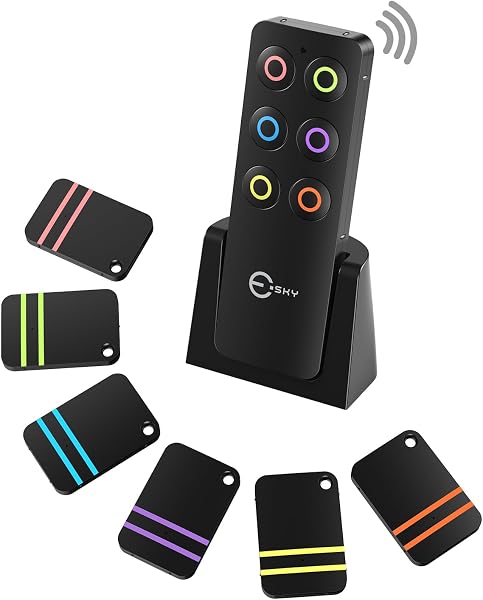
Esky no-app item finder
Esky is the clearest no-app finder, GE night lights work automatically, Flipper simplifies the TV remote, RMS reachers handle lightweight objects and the OpenEase tackles many common jar lids with one button.
Amazon’s Choice; 500+ bought in the previous month · checked July 24, 2026How to choose well
- Count the steps required during normal use—not just setup.
- Prefer labeled physical controls with one clear result.
- Check batteries, outlets and compatibility before gifting.
- Complete any initial programming yourself and leave simple written instructions.
Decision shortcuts
Products worth comparing
Every green Amazon button opens the exact product listing. Product photos, names and links are tied to the same verified item.
Esky no-app item finder
Press a color on the base and the matching tag sounds—no account, pairing screen or monthly fee.Amazon’s Choice; 500+ bought in the previous month · checked July 24, 2026Why it may work: The base and tags communicate directly, so finding nearby keys or remotes does not require Bluetooth, Wi-Fi or an account.
Before buying: The color-matched receivers use small replaceable batteries.
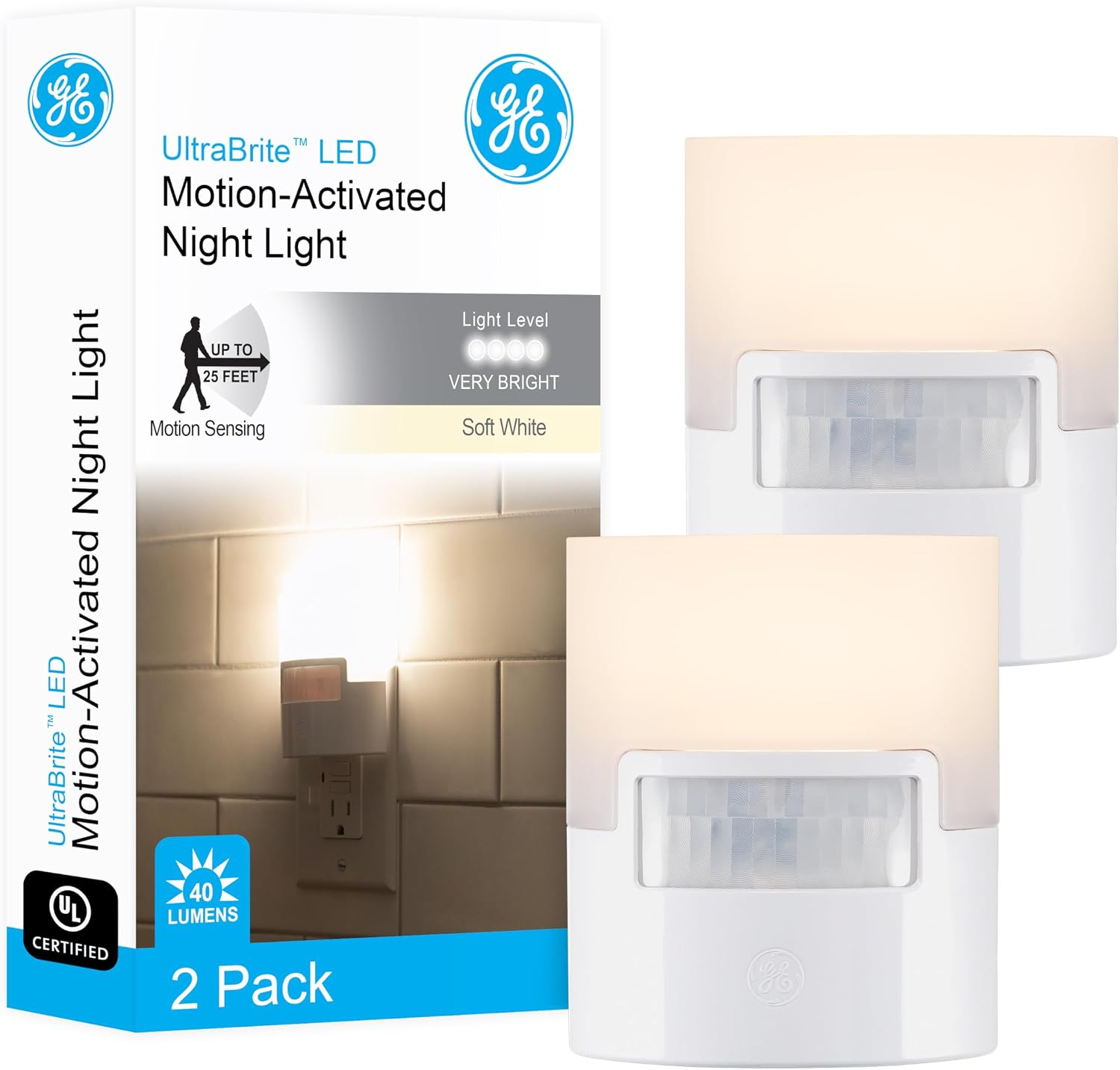
GE motion-sensor night lights
They add light to a nighttime path without introducing an app, switch or new routine.Why it may work: They turn on automatically in low light and have no settings app, charging cable or subscription.
Before buying: Available outlet placement determines where they can help.
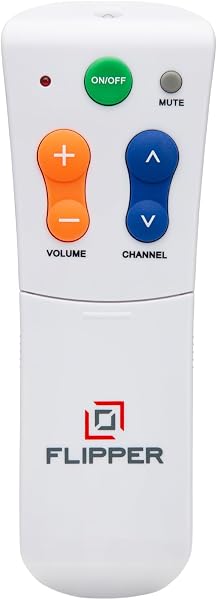
Flipper large-button TV remote
It removes the crowded keypad and keeps the controls most people actually use.500+ bought on Amazon in the previous month · checked July 24, 2026Why it may work: Large physical buttons keep essential TV controls visible without a touchscreen.
Before buying: A family member should program and test it with the exact TV setup.

RMS 32-inch reacher two-pack
A two-pack makes it practical to keep one in each of the rooms where reaching is most often needed.Amazon’s Choice; 1,000+ bought in the previous month · checked July 24, 2026Why it may work: A squeeze trigger retrieves lightweight objects with no power, account or setup.
Before buying: Trigger comfort varies, and the tool is never for body support.
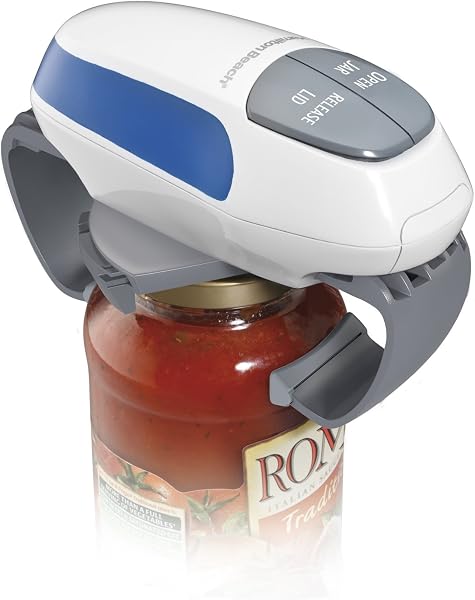
Hamilton Beach OpenEase jar opener
Place it on a compatible lid and press the button instead of gripping and twisting against a tight seal.Why it may work: One physical button starts the opening action for many compatible jar lids.
Before buying: It uses batteries and needs correct positioning on the lid.
What usually goes wrong
- Assuming “smart” automatically means easier.
- Ignoring the setup burden because everyday use looks simple.
- Buying a battery-powered tool without planning replacements.
- Removing familiar backup controls before the new product is proven.
Questions shoppers ask
Do no-app products ever need setup?
Some do. A simple remote may need programming and a finder needs tags attached. The advantage is that normal daily use does not depend on opening a phone app.
Are no-app products better for every older adult?
No. Some people enjoy smartphone controls. The right choice depends on their comfort and whether the app adds real value to the routine.
What should I include with a no-app gift?
Install batteries, complete programming, label controls when useful and leave a one-page instruction showing only the actions they will actually use.
General shopping information only, not medical, safety or caregiving advice. Prices, features and availability can change.
Browse all buying guides →